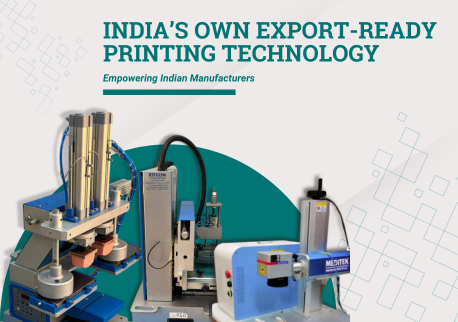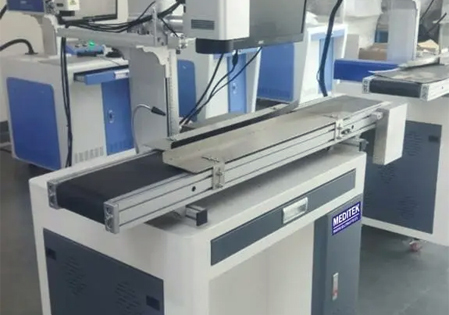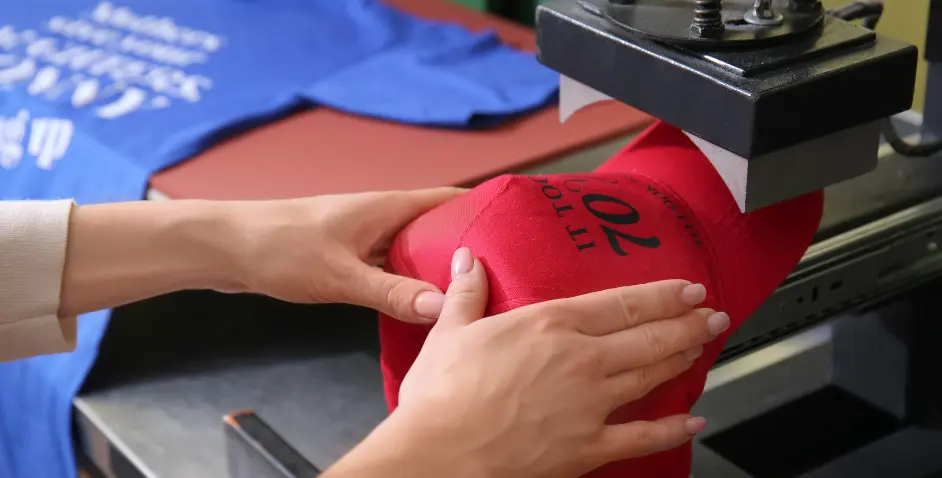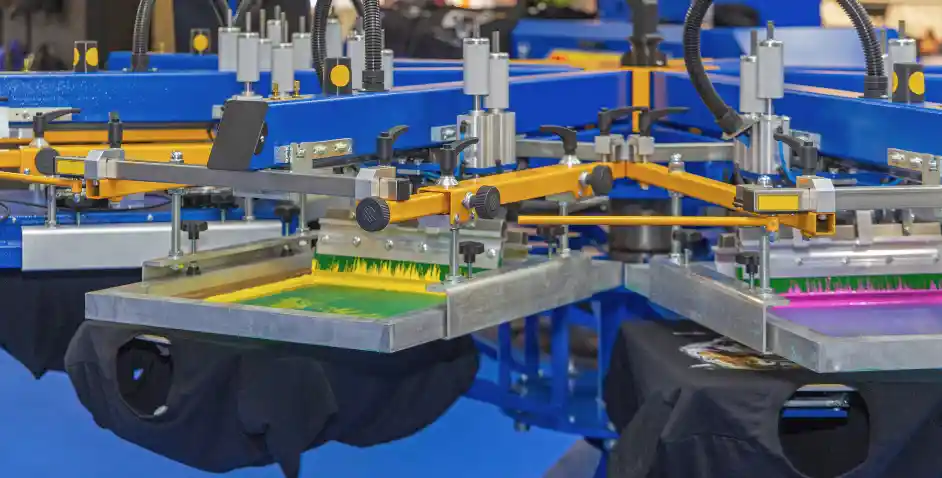
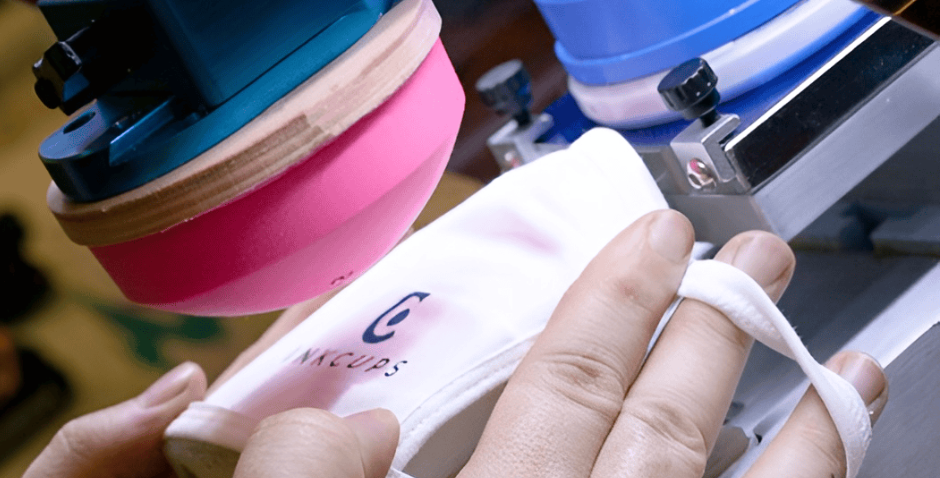
Pad printing machines are commonly used in manufacturing to print logos, text, and elaborate designs on a variety of products, including those with curved surfaces and textured materials. They are extremely adaptable and precise, but, like any industrial equipment, they can develop operational and technical challenges that impair print quality and production. Understanding these common issues and how to tackle them is critical for businesses to get consistent results and save downtime.
1. Poor Print Quality
Problem
One of the most common issues in pad printing is poor print quality. Prints may appear faded, blurry, incomplete, or uneven. This can occur due to worn pads, improper ink viscosity, incorrect pad pressure, or dirty surfaces.
Solution
- Replacement: Regularly inspect and replace silicone pads when they show signs of wear or deformation.
- Ink Adjustment: Ensure ink viscosity matches the substrate and printing conditions; too thick or thin ink can affect transfer.
- Pad Pressure Calibration: Adjust the pressure and angle of the pad for optimal ink transfer.
- Surface Cleaning: Remove dust, oil, or other contaminants from the printing surface before starting production.
2. Misaligned Multi-Color Prints
Problem
Multi-color pad printing often faces registration or alignment issues. Misaligned prints can lead to overlapping colors or distorted designs, which are unacceptable in high-precision applications.
Solution
- Calibration: Properly calibrate each color station before production starts.
- Mechanical Adjustments: Regularly maintain alignment of pads, clichés, and ink cups.
- Operator Training: Ensure operators follow standardized procedures for multi-color setups.
- Automation Tools: Use automated registration systems for precise alignment in large production runs.
3. Ink Smudging or Incomplete Transfer
Problem
Smudges, streaks, or incomplete image transfers are common, especially during high-speed operations. Causes include excessive ink on the pad, dirty pads, or inadequate drying times between prints.
Solution
- Cleaning: Thoroughly clean pads and cliches between runs.
- Ink Layer Control: Apply the right amount of ink to avoid over-application.
- Drying Time: Allow sufficient drying time for each color; UV-curable or fast-drying inks can improve throughput.
- Environmental Control: Maintain a controlled workspace to reduce humidity or dust interference.
4. Ink Adhesion Problems
Problem
Poor ink adhesion is another challenge, particularly on plastics, metals, or textured surfaces. Ink may peel, fade quickly, or fail to bond with the substrate.
Solution
- Correct Ink Selection: Choose inks compatible with the material being printed.
- Protective Coatings: Apply varnishes or overprints when extra durability is required.
5. Pad Deformation or Wear
Problem
Over time, silicone pads can deform, tear, or lose flexibility. This affects print precision, consistency, and quality.
Solution
- Regular Inspection: Check pads frequently for wear and replace as needed.
- Proper Storage: Keep spare pads in clean, cool conditions to prevent premature aging.
- Rotation: Rotate pad usage when possible to extend their lifespan.
6. Mechanical and Operational Issues
Problem
Mechanical problems such as misfeeds, paper jams (in specific systems), or machine vibration can disrupt production and affect print consistency.
Solution
- Routine Mechanical Inspection: Check guide rails, cams, gears, and fasteners regularly.
- Lubrication: Keep moving parts lubricated according to the manufacturer’s instructions.
- Stable Installation: Place machines on level, vibration-free surfaces.
- Preventive Maintenance: Schedule regular professional servicing to ensure all mechanical components are aligned and functioning properly.
7. Environmental Factors
Problem
Dust, high humidity, or extreme temperatures can affect ink performance, drying time, and machine operation.
Solution
- Clean Workspace: Keep the production area free from dust and debris.
- Climate Control: Maintain moderate temperature and humidity to prevent ink drying issues or condensation inside the machine.
- Machine Covers: Use covers when the machine is idle to protect sensitive components.
8. Maintenance Best Practices
To minimize downtime and ensure consistent output:
- Perform daily cleaning of pads, cliches, and ink cups.
- Inspect pads and mechanical components weekly or monthly for wear.
- Calibrate multi-color printing stations regularly.
- Schedule professional servicing semi-annually for industrial machines.
- Keep spare parts (pads, doctor blades, ink cups) readily available to reduce downtime.
Final Thoughts
Pad printing machines are indispensable for high-precision, high-volume industrial printing on complex surfaces. While they are robust and reliable, understanding common problems and implementing proactive solutions is key to maintaining productivity and print quality. With proper maintenance, calibration, and care, pad printing machines can deliver consistent, long-lasting results that meet the demands of modern manufacturing.
For businesses looking for high-quality industrial pad printing machines, Meditek Printing Solutions offers advanced equipment and expert support to help you optimize production and maintain consistent results. Visit Meditek Printing Solutions to explore customized solutions and get professional guidance.